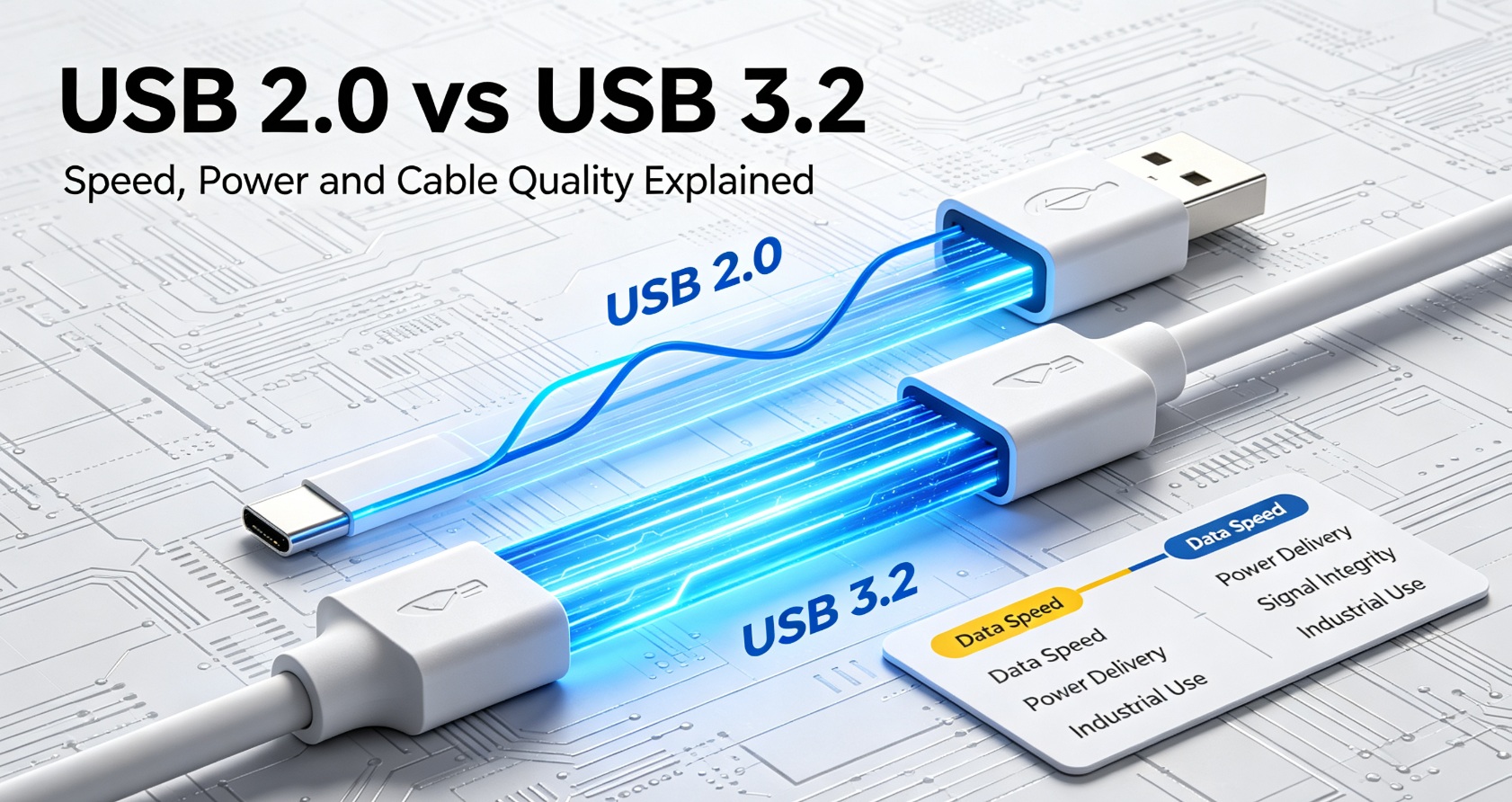
If you have ever grabbed a USB cable from your desk and wondered why some transfers feel fast while others seem to take forever, the answer is probably not just in the port — it is also in the cable. USB 2.0 and USB 3.2 cables may look alike. They can even use the same USB-A or USB-C connectors on the outside. But inside the cable, the number of wires, shielding, twist rates, and signal quality are often very different. That is why choosing the right USB cable matters.
What Is USB 2.0?
USB 2.0 is an older USB standard, first released in the early 2000s. It became the default connection standard for mice, keyboards, printers, cameras, external storage, and many other peripherals.
USB 2.0 is mainly designed for basic data communication and low-to-medium power delivery. It is reliable, simple, and widely compatible, but it is not built for high-speed data transfer.
USB 2.0 theoretical maximum speed is 480Mbps. In real use, the effective transfer speed is usually much lower.
What Is USB 3.2?
USB 3.2 is part of the newer USB 3.x family. It introduces faster data rates, better signal integrity, and support for more advanced functions through USB-C and related protocols.
USB 3.2 Gen 1 can reach up to 5Gbps.
USB 3.2 Gen 2 can reach up to 10Gbps.
Some USB 3.2 products may also support USB PD, video output, or alternate modes, depending on the device and cable design.
Because USB 3.2 carries faster signals, the cable must be built more carefully. It requires better shielding, more precise wiring, and often additional data lines compared to a typical USB 2.0 cable. Poor connector durability will quickly break internal conductors, so reliable Stress Release Design of USB Cable plays a critical role for high-speed USB-C assemblies.
Core Differences Between USB 2.0 and USB 3.2
Data Speed
USB 2.0: up to 480Mbps.
USB 3.2 Gen 1: up to 5Gbps.
USB 3.2 Gen 2: up to 10Gbps.
For reference, 10Gbps is about 20 times faster than 480Mbps in ideal conditions. That difference is very noticeable when copying large files, backing up data, or working with external SSDs.
Power Delivery
USB 2.0 supports charging, but usually at lower power levels.
USB 3.2 cables paired with USB-C PD can support much higher charging power, depending on the cable rating and device support.
This is why a USB-C charging cable for a phone, tablet, or laptop often needs to be more than just a basic USB 2.0 cable. High-power consumer cables must pass strict mechanical reliability according to the USB Cable Bending Test Standard before mass production.
Signal Integrity
USB 2.0 signals are relatively simple and more forgiving of lower-quality cables.
USB 3.2 high-speed signals are much more sensitive to noise, crosstalk, and poor wiring.
A cheap USB 3.2 cable may work for short distances but can become unstable or fail to reach full speed over longer lengths. Industrial and medical equipment often requires more consistent performance, which is why cable quality becomes critical.
Cable Construction
USB 2.0 cables typically focus on power and basic data lines.
USB 3.2 cables often include more conductors, improved shielding, twisted-pair data lines, and controlled impedance design.
These internal differences are what allow USB 3.2 cables to maintain high-speed signals while resisting interference from nearby electronics.
When Does the Cable Quality Matter Most?
Large File Transfers
If you are moving photos, videos, backups, or large business files, a USB 3.2 cable of sufficient quality will help maintain higher transfer speeds.
External Drives and SSDs
External storage devices often benefit from USB 3.2 performance. However, if you use a low-quality cable, the drive may drop to a slower speed or behave inconsistently.
Industrial Equipment
Industrial machines, sensors, cameras, control panels, and test equipment often run in noisy environments. For these applications, standard USB 2.0 cables may not be enough, and USB 3.2 cables with better shielding may be required.
Medical Devices
Medical imaging, patient monitoring, and diagnostic equipment need stable connections. Signal interference or intermittent connections can affect system reliability. Custom USB cables designed for medical use can help reduce these risks.
Custom Cable Projects
When a project requires longer length, higher flexibility, special shielding, specific connectors, or improved durability, a standard off-the-shelf USB cable may not meet requirements. Custom USB cables can be designed to match the exact needs of the application.
Common Misconceptions
Myth: All USB cables are the same.
Fact: The outside connector may look similar, but internal wiring, shielding, and signal performance can differ significantly.
Myth: If the connector fits, the cable will work at full speed.
Fact: A cable that physically fits may still limit speed, power, or stability, especially over longer distances.
Myth: USB 2.0 is always too slow.
Fact: USB 2.0 is still useful for simple peripherals like mice, keyboards, and low-speed devices. It just may not be the best choice for high-speed data transfer.
How to Choose the Right USB Cable
Consider the device. Does it need only basic connectivity, or does it require fast data transfer and high power?
Consider the distance. Longer cables are more likely to suffer from signal loss and interference.
Consider the environment. Industrial, medical, and heavy-use environments usually need better shielding and durability.
Consider customization. Special lengths, connectors, jackets, and shielding may be required for specific projects.
LINKSTRONG designs USB 2.0 and USB 3.2 cables for different industrial, medical, commercial, and custom applications. We can help select the right wire gauge, shielding, connector, and jacket for your project requirements.
If you are planning a custom cable assembly, it is important to define your speed, power, mechanical, and environmental requirements early. Contact LINKSTRONG Custom Cable Team for your cable project inquiry.
FAQ
Frequently Asked Questions
Quick answers for OEM and wholesale cable buyers.
What is the main difference between USB 2.0 and USB 3.2 cables?
Data speed. USB 2.0 tops out at 480Mbps, while USB 3.2 Gen 1 reaches 5Gbps and USB 3.2 Gen 2 reaches 10Gbps. A USB 3.2 cable also needs more internal data pairs and better shielding to carry the faster signal cleanly.
Can a USB 2.0 cable and a USB 3.2 cable look identical?
Yes. Both can use the same USB-A or USB-C connectors on the outside, so appearance tells you nothing about performance. The difference is inside the cable — the number of wires, twist rate, shielding and overall signal quality.
Can I charge with a USB 2.0 cable?
Yes. USB 2.0 cables support charging, but usually at lower power levels. For high-wattage USB-C Power Delivery charging you need a cable rated for that wattage, which normally means USB 3.2-class construction with heavier conductors.
Do I need a USB 3.2 cable for a phone?
Only if you regularly move large files or use high-power PD. For charging and everyday synchronisation a well-made USB 2.0 cable is sufficient and costs less.
 Technical & Testing
2026-09-15
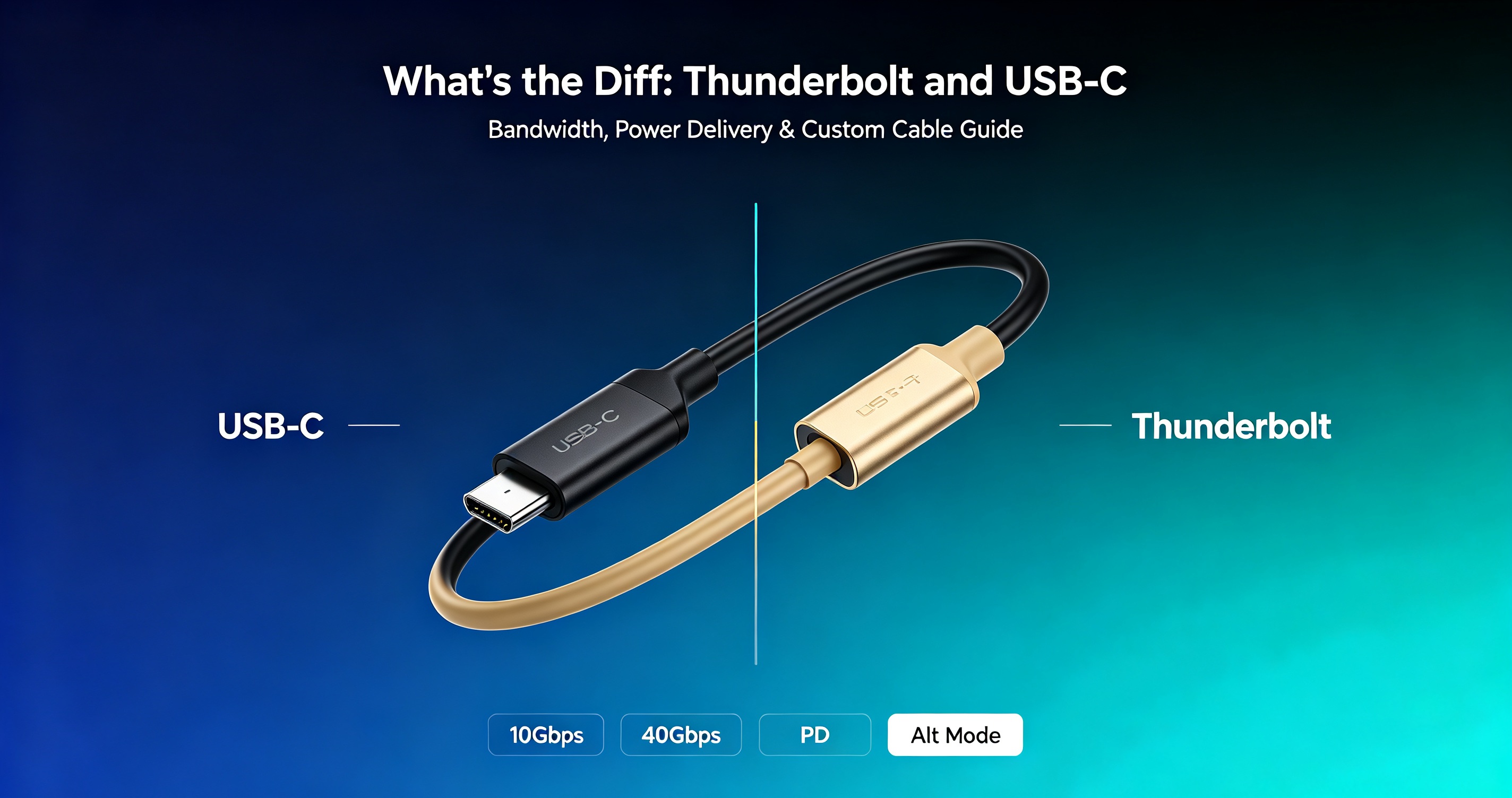
Thunderbolt vs USB-C: Speed, Power and Cable Differences
Confused between Thunderbolt and USB-C? This guide explains speed, power delivery, signal differences, and c…
Technical & Testing
2026-09-15
Thunderbolt vs USB-C: Speed, Power and Cable Differences
Confused between Thunderbolt and USB-C? This guide explains speed, power delivery, signal differences, and c…
 Technical & Testing
2026-09-22
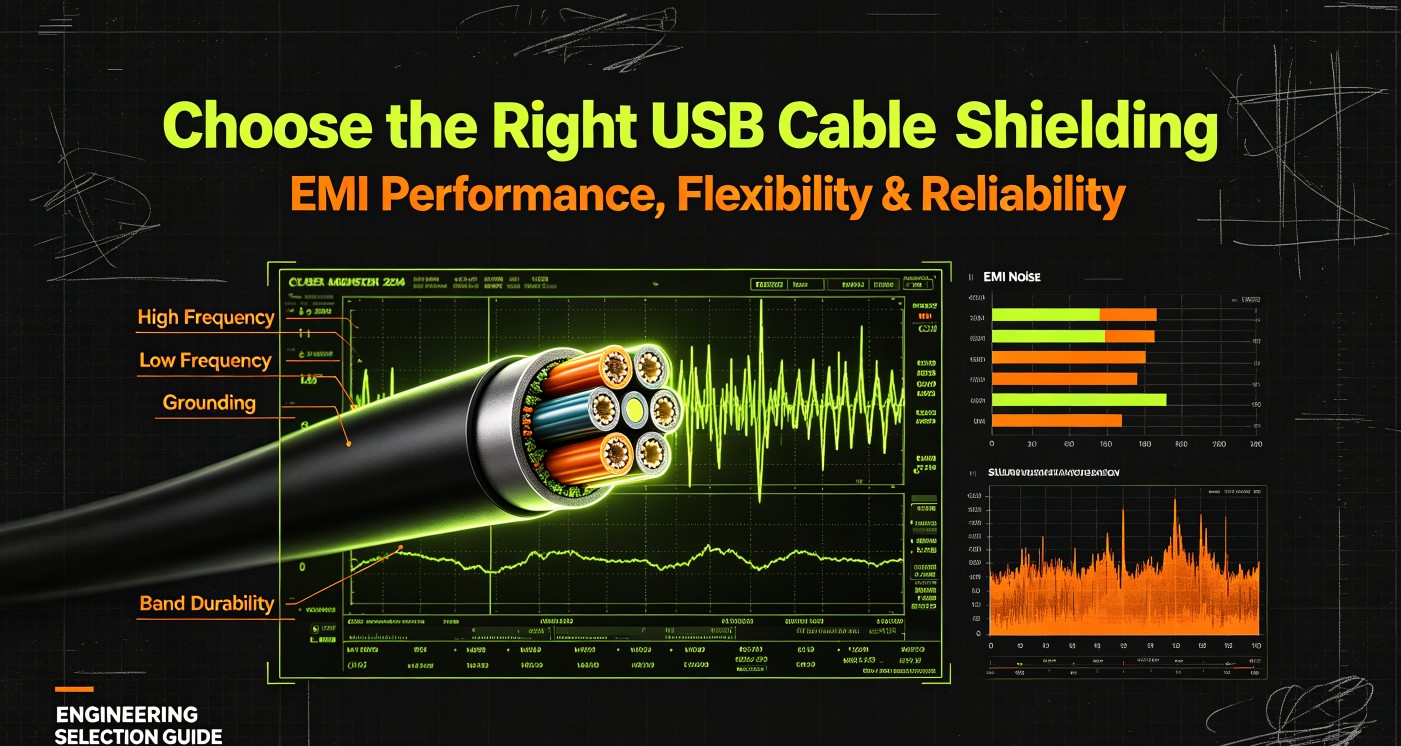
How to Choose USB Cable Shielding for Industrial & High-Speed Applications
USB cable shielding directly impacts signal integrity and EMI performance. Learn shielding types, trade-offs…
Technical & Testing
2026-09-22
How to Choose USB Cable Shielding for Industrial & High-Speed Applications
USB cable shielding directly impacts signal integrity and EMI performance. Learn shielding types, trade-offs…
 OEM & Sourcing Guides
2026-09-04
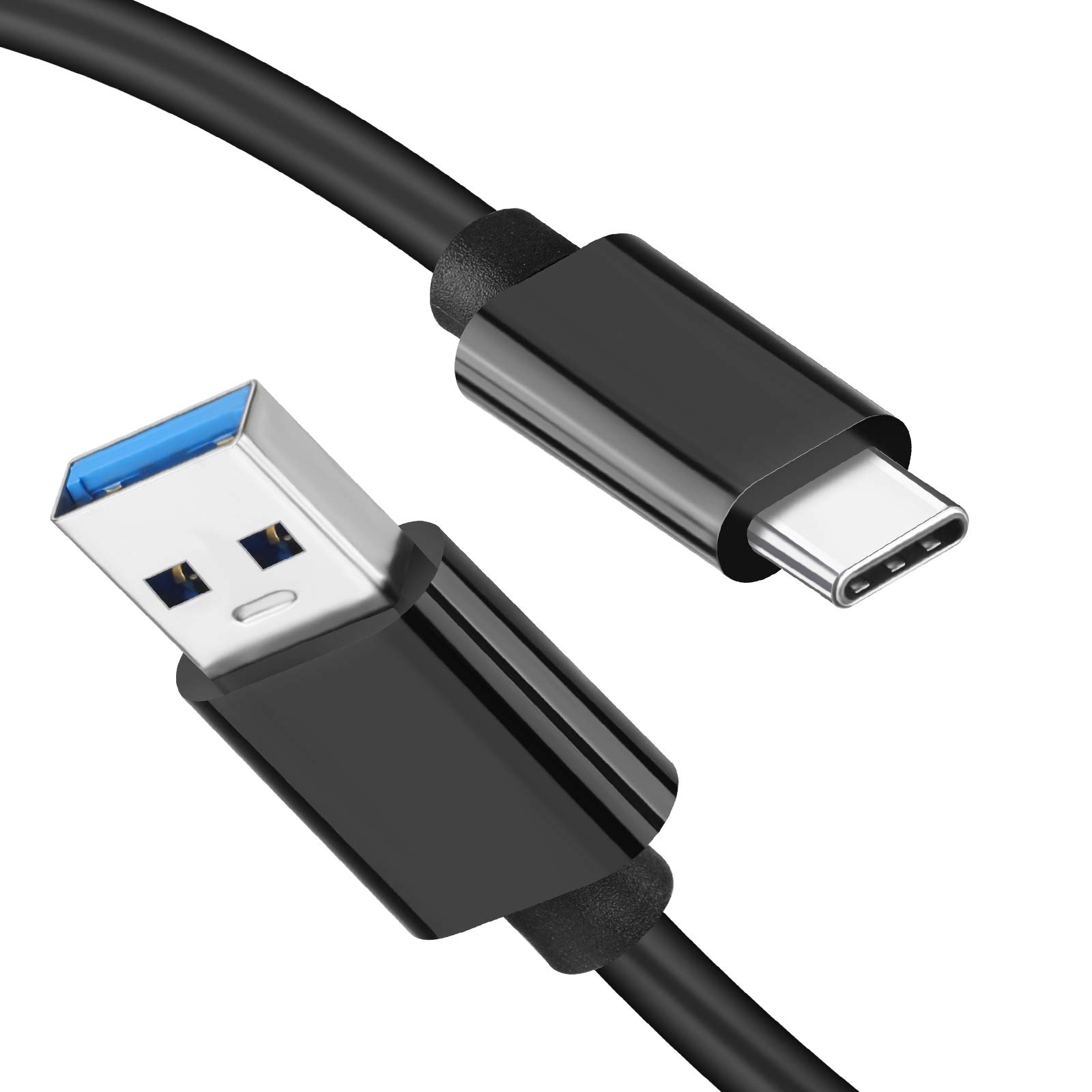
USB Data Charging Cable Guide: Speed, Current, and Wiring Standards
Not all USB cables are the same. This guide explains USB data cable vs charging cable differences, wire gaug…
OEM & Sourcing Guides
2026-09-04
USB Data Charging Cable Guide: Speed, Current, and Wiring Standards
Not all USB cables are the same. This guide explains USB data cable vs charging cable differences, wire gaug…
Need this cable built to your specification?
Send your drawing, sample or target price — our engineers reply within 24 working hours.