Are you unsure what the differences between interfaces are and how they affect your backup plans? This installment of "What's the Diff" is here to help!
What Is USB?
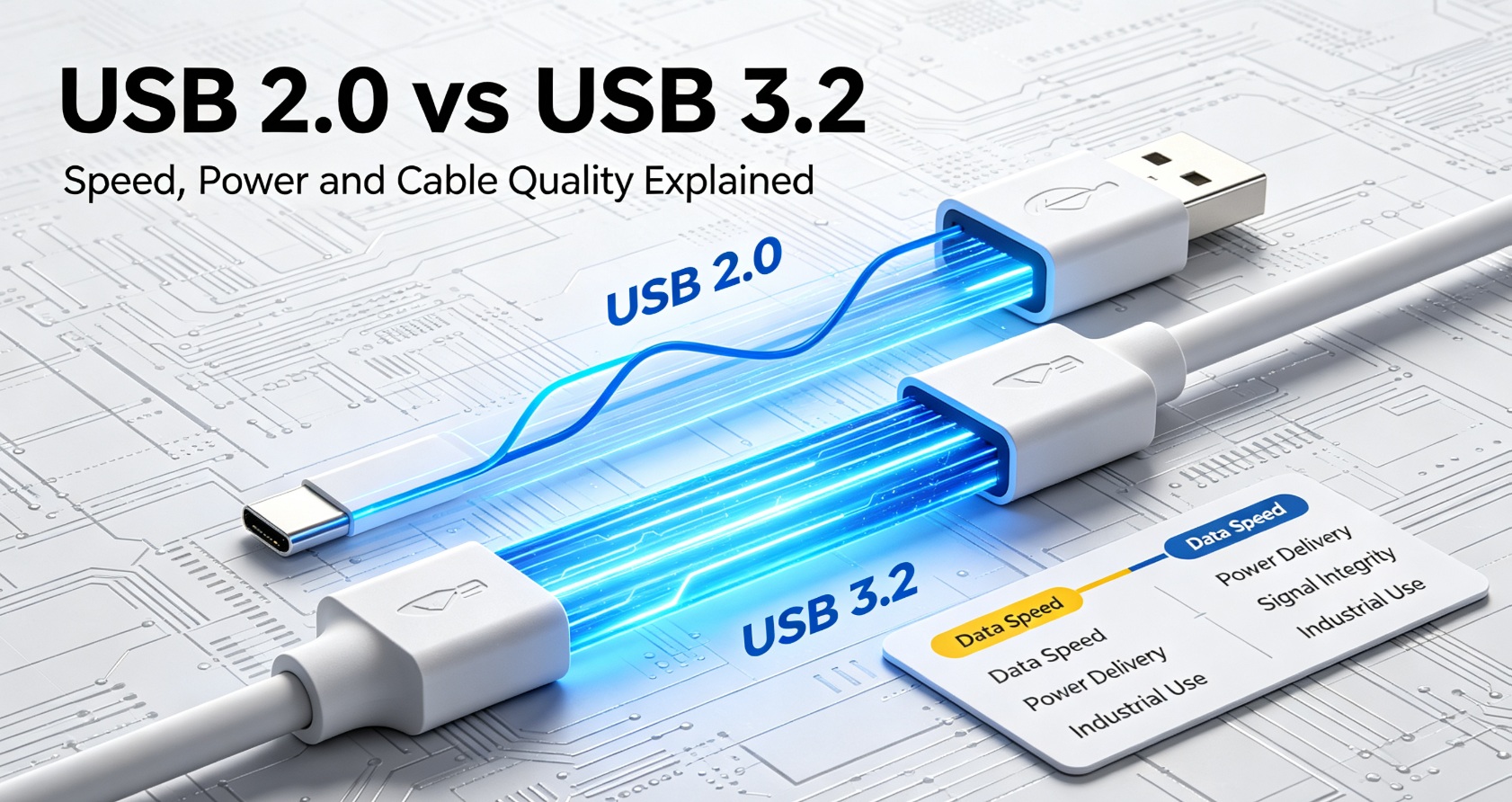
Universal Serial Bus (USB) is the most common peripheral interface used to link one device to another and connect to a power source. It's been a standard on most Macs and PCs since the late 1990s and has been updated several times since then. Each new revision raised the data transfer rate: USB 2.0 tops out at 480 Mbps, USB 3.0 reaches 5 Gbps, USB 3.1 achieved a super speed of 10 Gbps, USB 3.2 doubled that to 20 Gbps, and USB4 uses the Thunderbolt 3 protocol to reach 40 Gbps. USB is backward compatible, so a faster port still connects to older devices - though the link always drops to the speed of the slowest device in the chain.
USB-C is the newest physical connector form factor for USB. Unlike older USB-A or USB-B, it is reversible. You can plug it in either way. USB-C cables can carry data, video signals, and power.
What Is Thunderbolt?
Thunderbolt is a high-speed interface originally developed by Intel and Apple, and it has been standard on the MacBook line since 2011 (it was formerly known as Light Peak). Thunderbolt 3 and later use the same USB-C physical port shape, which is why people often mix them up. The original Thunderbolt ran at 10 Gbps, Thunderbolt 2 doubled that, and Thunderbolt 3 doubled it again to reach 40 Gbps - while also carrying video over the same cable, without the software tricks that video-over-USB requires.
Thunderbolt is built for heavy bandwidth workloads: 4K/8K video, external GPU docks, RAID storage arrays, and multi-display setups.
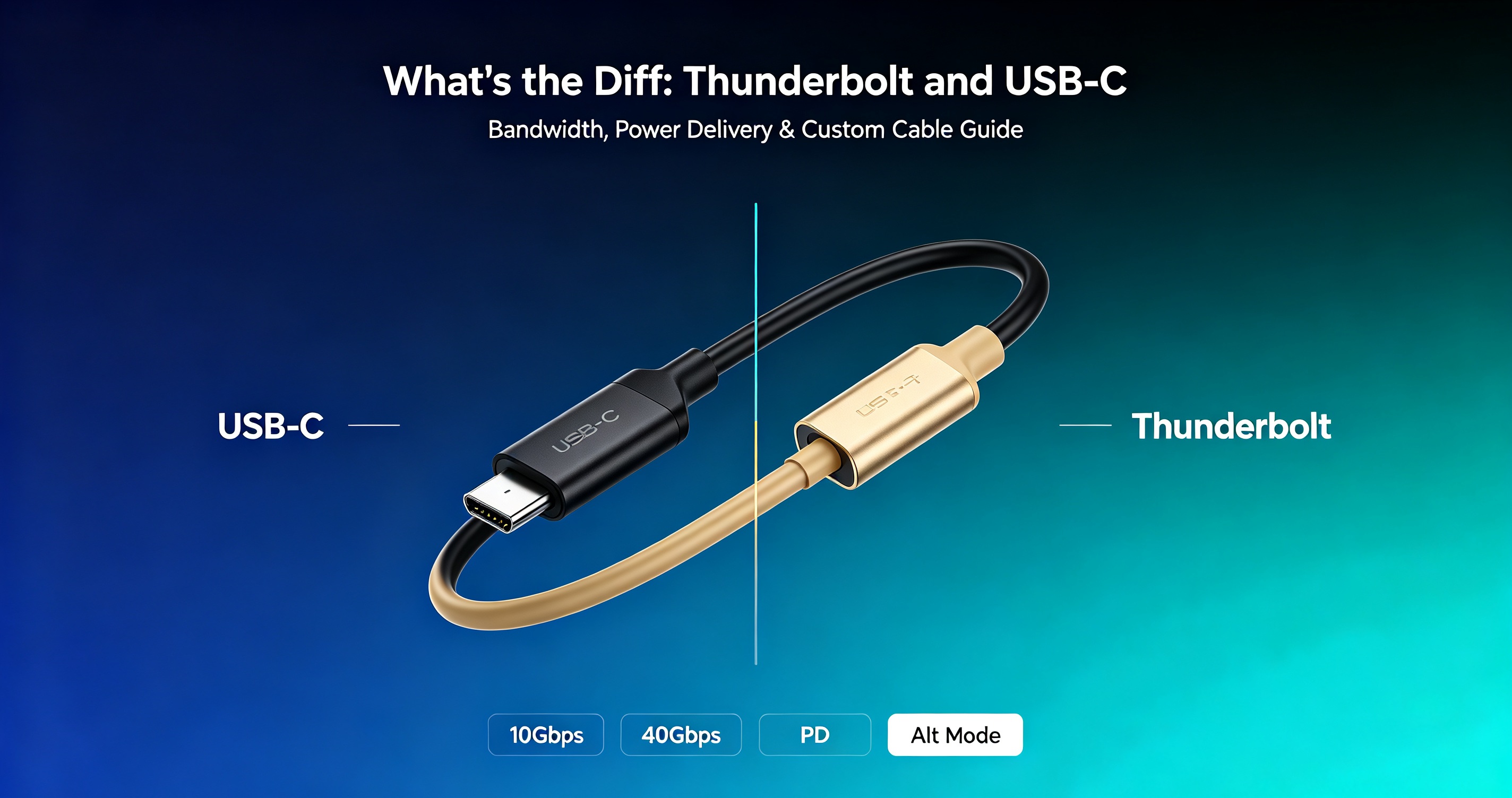
Core Differences Between Thunderbolt 3/4 and USB-C
Bandwidth
- USB 3.2 Gen 2 USB-C: up to 10Gbps
- USB4: up to 40Gbps
- Thunderbolt 3 / Thunderbolt 4: fixed 40Gbps
Power Delivery
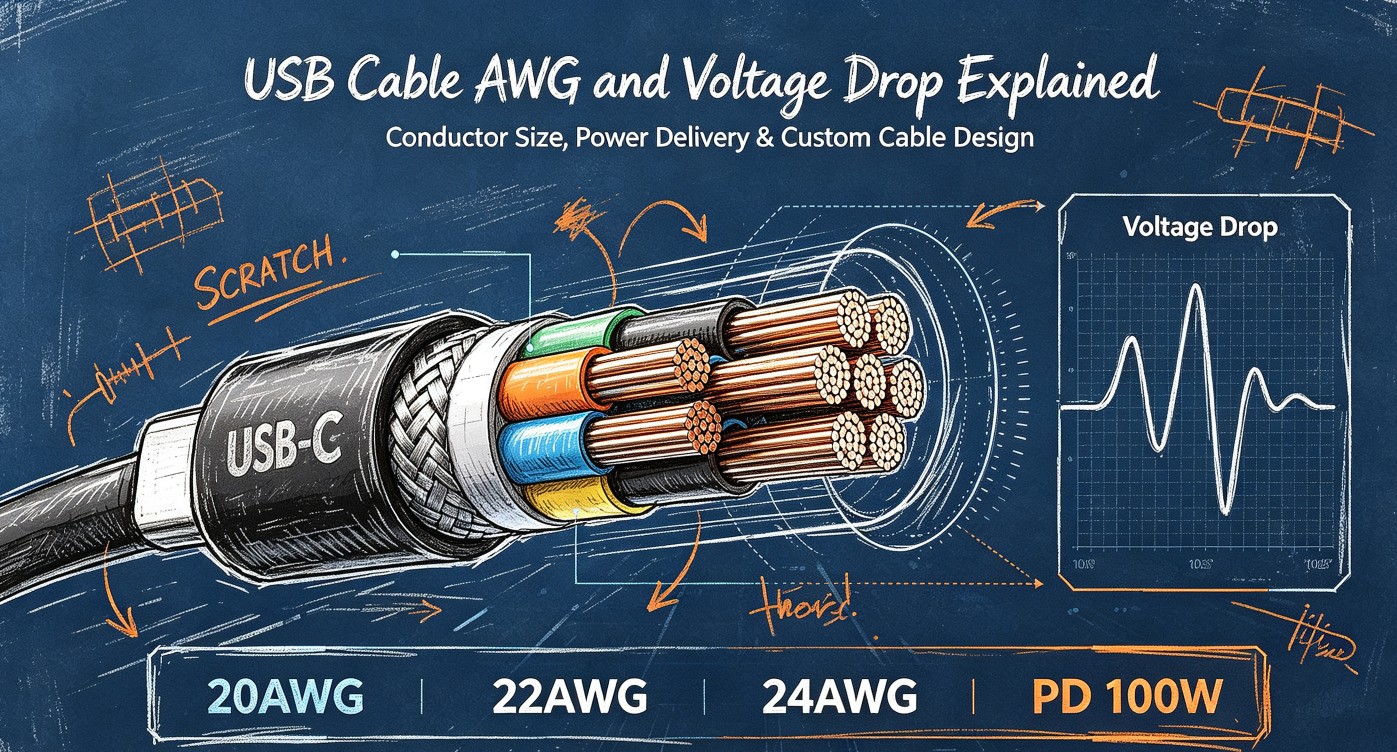
USB-C PD (Power Delivery) can deliver up to 100W, even on non-Thunderbolt cables. Thunderbolt cables also support USB PD, but Thunderbolt is not required for fast charging.
Video Output
Standard USB-C may support video (DisplayPort Alt Mode) or may not.
Thunderbolt 3/4 natively supports multiple 4K displays without extra adapters.
Cable Notes (critical for your LINKSTRONG cable business)
Not every USB-C cable works for Thunderbolt. A normal 60W charging USB-C cable cannot carry Thunderbolt 40Gbps signals.
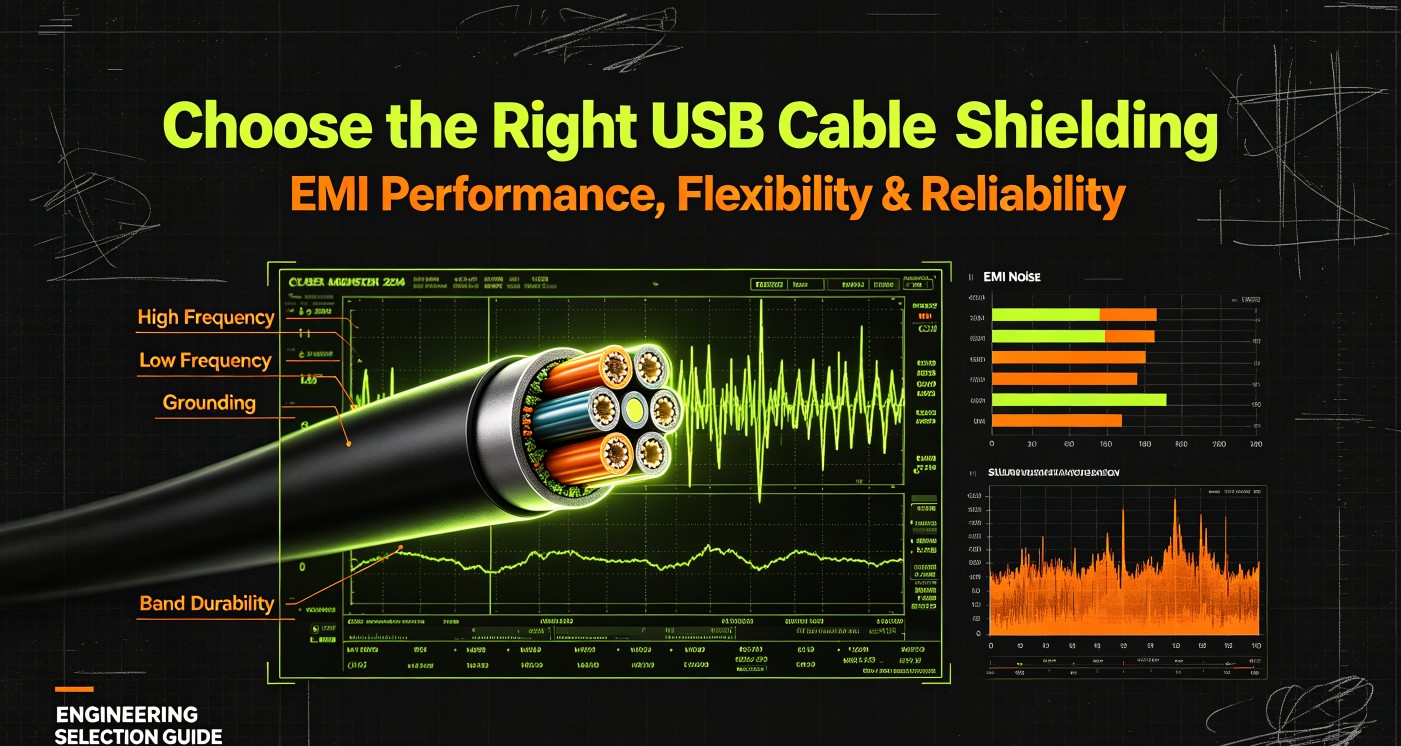
Thunderbolt certified cables use special shielding and internal wiring. Custom industrial Thunderbolt cables require strict impedance control and signal testing.
Use Cases
Common USB-C: phone charging, data transfer, simple external SSD, low-power peripherals.
Thunderbolt: multi-monitor docks, high-speed external RAID, industrial capture cards, medical imaging peripherals.
Common Misconception
❌ Myth: USB-C = Thunderbolt
✅ Fact: Thunderbolt is a protocol that runs over the USB-C connector. A USB-C port does NOT guarantee Thunderbolt support.
Choosing Between USB-C and Thunderbolt for Your Project
Performance is not free. A Thunderbolt-equipped drive or dock costs noticeably more than a USB 3 equivalent, so match the interface to the actual workload: if you move large graphic, video or RAID data between many devices, Thunderbolt pays off; for charging and everyday data sync, a well-built USB-C cable is the right and far cheaper choice.
For industrial and medical equipment projects, always confirm the protocol requirement before selecting custom cable assemblies. LINKSTRONG designs custom USB-C and Thunderbolt cables with customized length, shielding and AWG to meet your project specifications.
Contact LINKSTRONG Custom Cable Team for your cable project inquiry.